
Less clutter.
More home.
Cozymus brings calm to your home: declutter, plan and clean in one app – calm, together and without pressure.
Declutter, plan, clean – without the stress
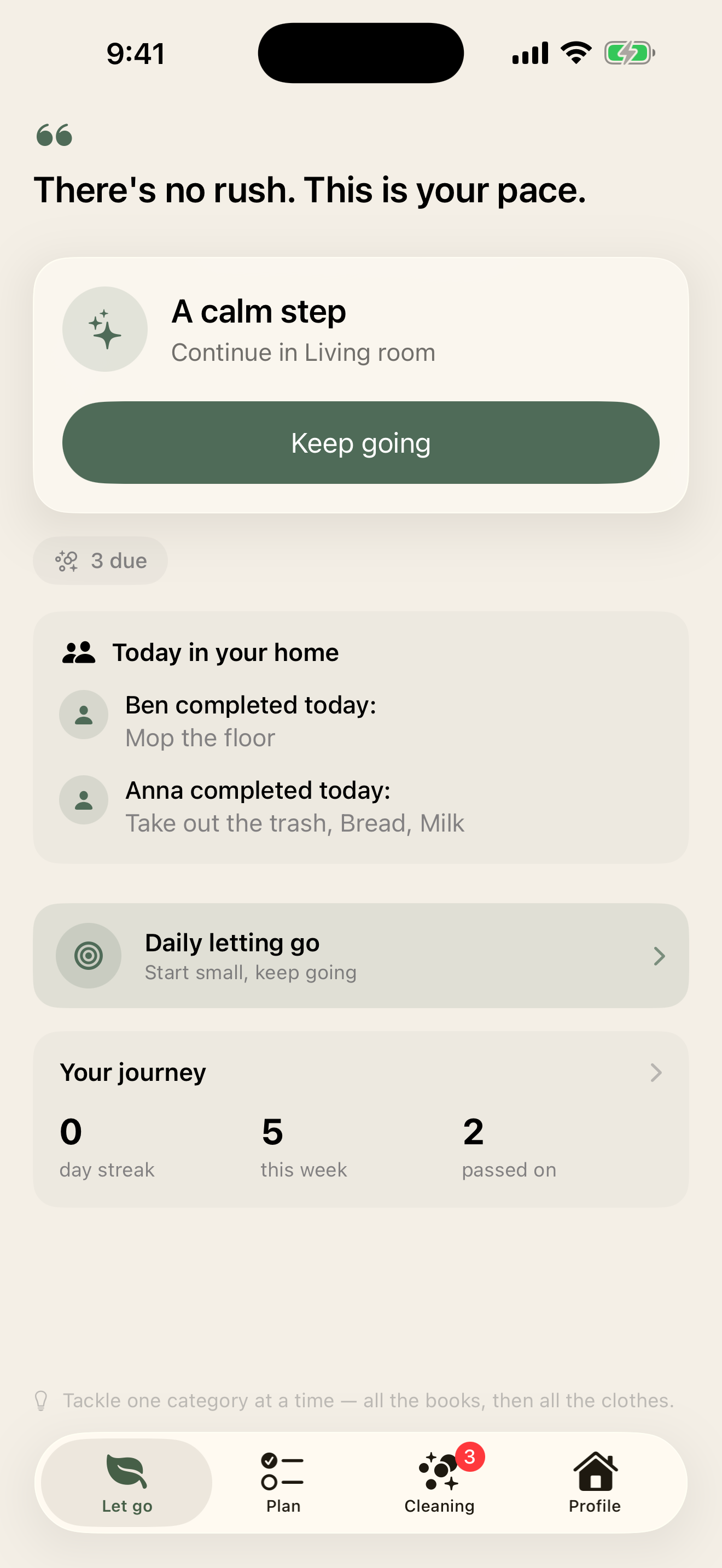
Cozymus brings together three things that are usually scattered everywhere: letting go of clutter, keeping the household in check, and a cleaning plan that thinks along. Calm instead of frantic.
Let go, bit by bit
Short, calm sessions instead of big clear-out marathons. Cozymus suggests a fitting area based on your energy – and shows how much you've already passed on.
- Guided sessions – matched to your energy that day
- A gentle daily challenge & the KonMari method as a guided path
- Your impact, visible: “127 things passed on”
Your household, organised
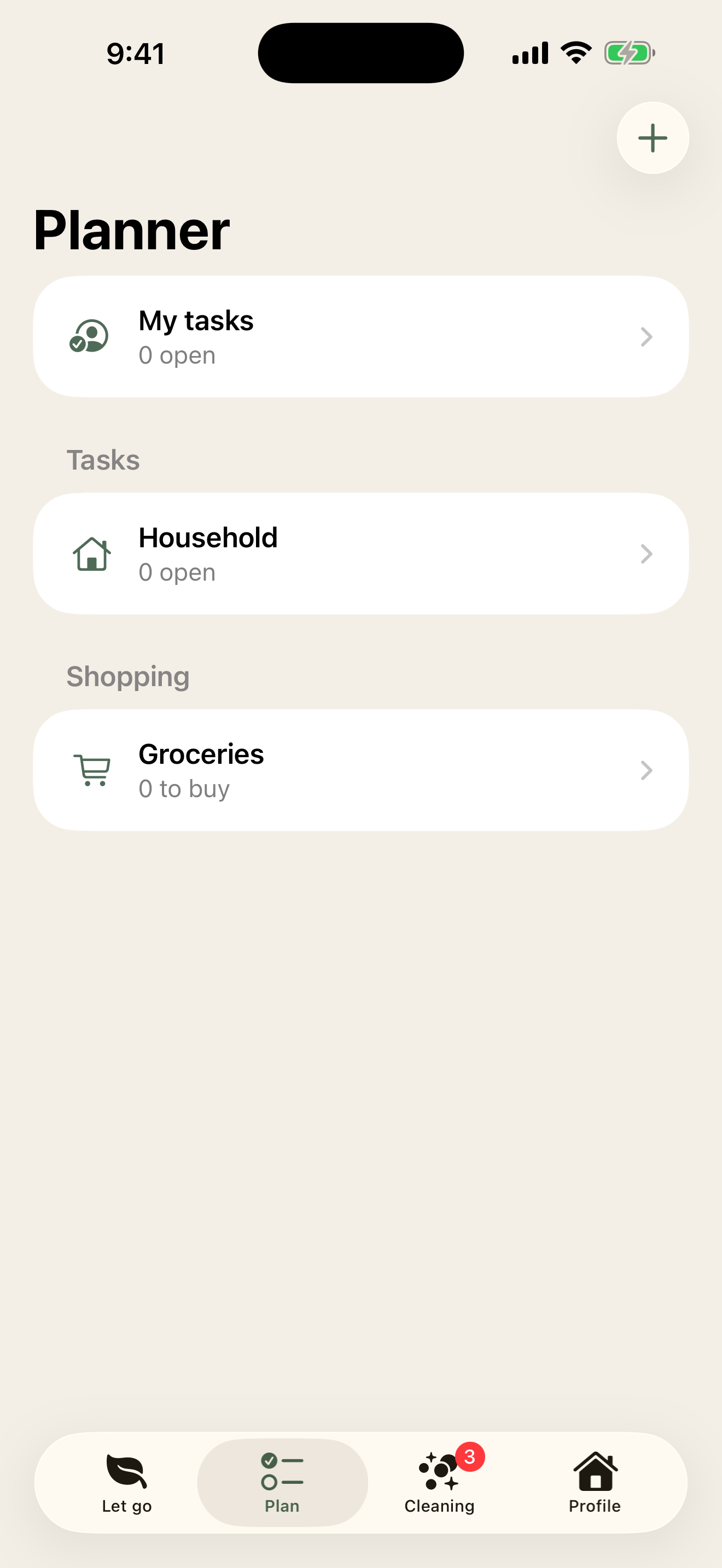
Tasks and shopping lists that repeat, remind and think along. Nothing forgotten, nothing twice – even when several people help.
- Task & shopping lists with categories, photo and quantities
- Recurring tasks & reminders at the right time
- Smart re-buy suggestions & import from Apple Reminders
Cleaning that never escalates again
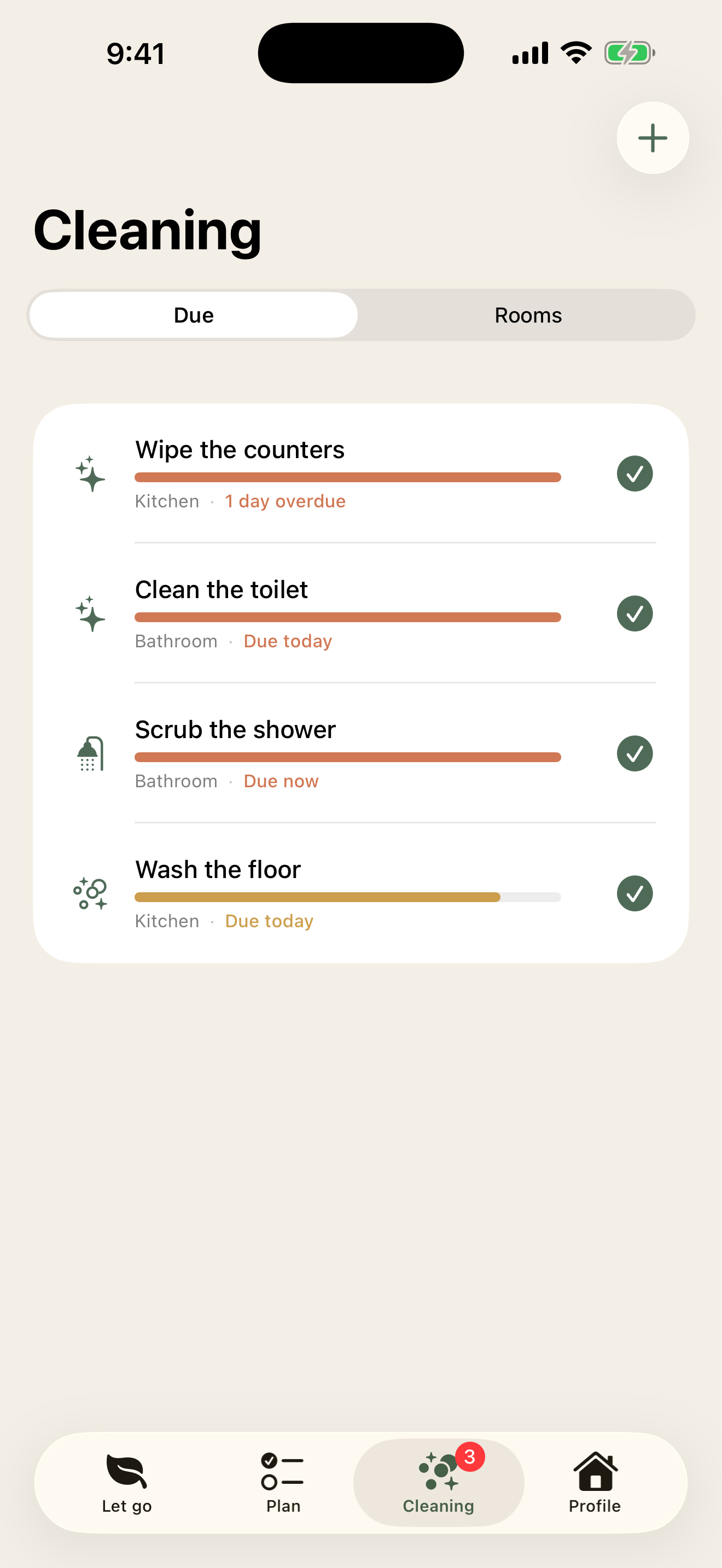
Every room, every task with its own rhythm. Cozymus shows at a glance what's due – and you tick it off with one tap.
- Rooms & tasks with their own cleaning rhythm (Tody-style)
- A “Due” view with a calm urgency bar
- Ready-made room templates – the oven won't be forgotten
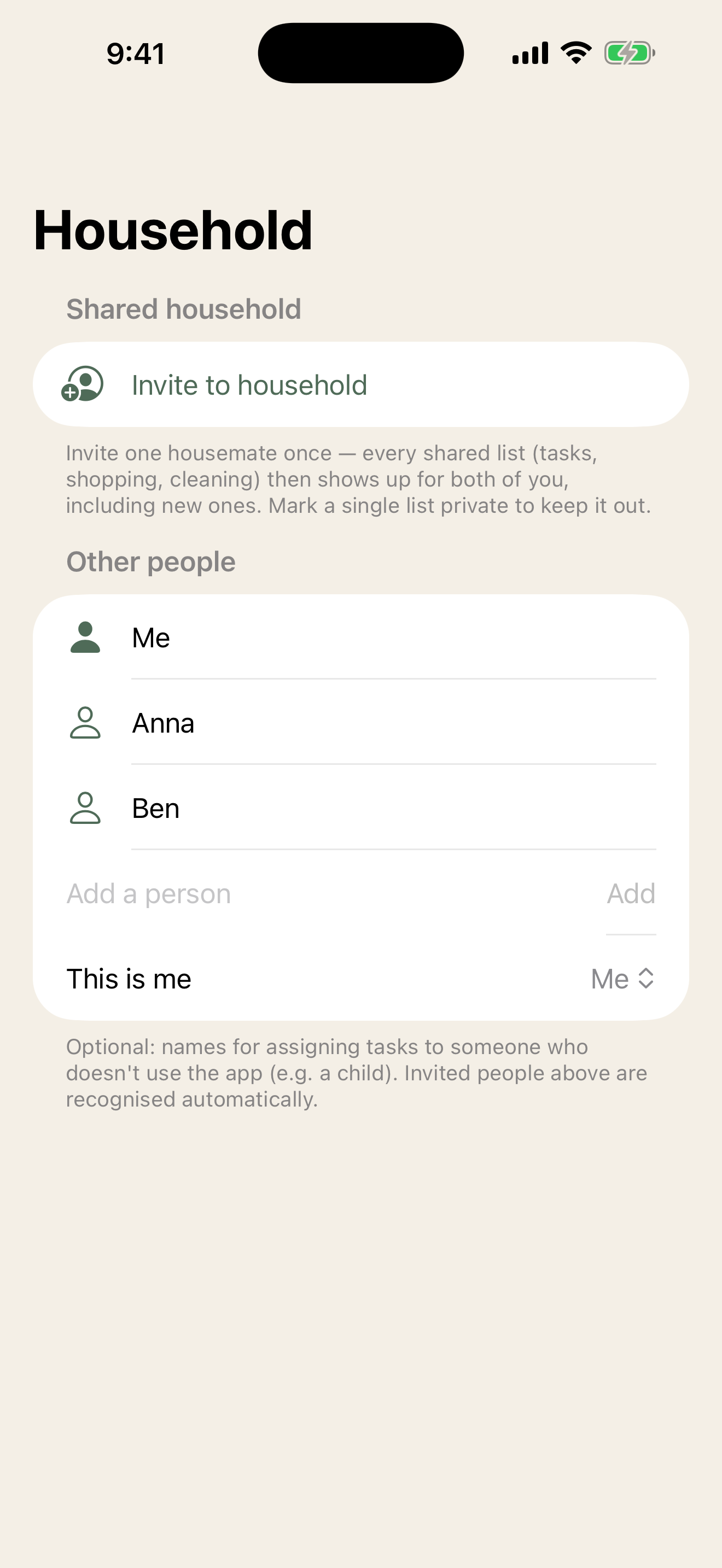
Together, with one invite
Invite once – done. Everyone uses their own Apple account, and you see who did what today. What should stay private, stays private.
- One invite shares the whole household – not each list separately
- “Today at home”: who just did what
- Per list: private (just me) or shared
Small helpers, big difference
A gentle start
A short onboarding asks what's hard for you – and the app tailors its suggestions to it.
Rooms from templates
Set up typical rooms from a template – Cozymus suggests fitting areas and tasks too.
Reminders you control
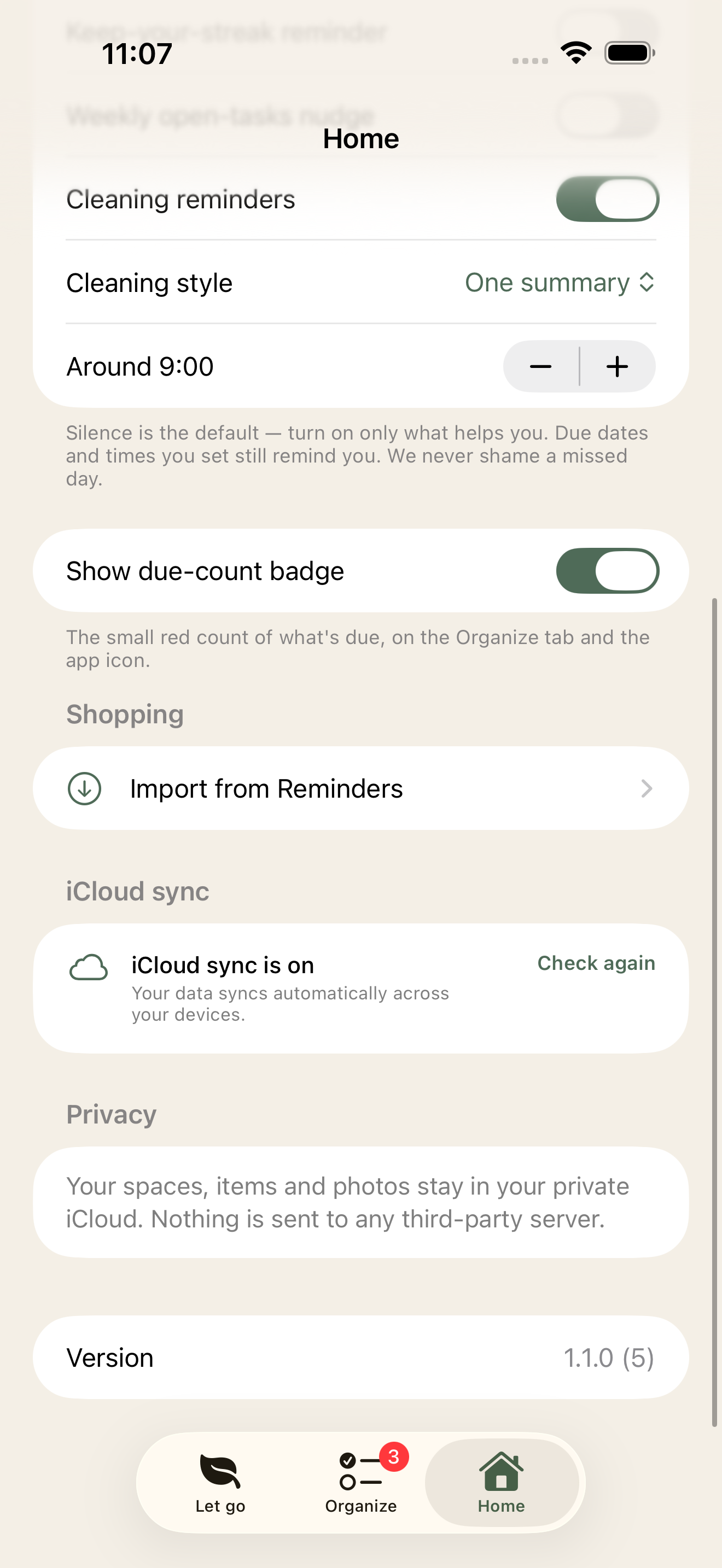
Silent by default: you choose what reminds you – as a calm summary or one by one. No spam, no streak pressure.
Shopping with photos
Items with photo, quantity and store – plus clever re-buy suggestions on your rhythm.
Your impact
Cozymus keeps count of how much you've passed on – a good feeling that keeps you going.
German & English
Fully bilingual – the app speaks your language, automatically.
Let go, plan, clean – in one place
Each area with its own tab and rhythm. You decide what you use – and you can hide Plan or Clean any time.
Your data stays yours
Cozymus has no server of its own and no extra account. Your content lives on your iPhone and – if you like – in your own iCloud. We never see it.
-
No extra accountYou just use your Apple ID. No registration, no extra password.
-
No server of ours, no trackingCozymus collects nothing about you. No ads, no analytics tools, no sharing with third parties.
-
Sync & sharing via your iCloudSync and the shared household run encrypted through Apple iCloud – under your control, switchable off any time.
Good to know
What does Cozymus cost?
Cozymus is available on the App Store. The app comes with no forced subscription, no ads and no hidden data use.
What are the requirements?
You need an iPhone running iOS 26 or later. For sync across devices and the shared household you need iCloud (enabled in iOS settings).
How does sharing with family work?
One person invites the household once, everyone else joins via their Apple ID. Shared lists then stay in sync automatically – you can set individual lists to “private” any time.
Do I need an account?
No. Cozymus uses your existing Apple ID – there's no extra account or password.
What happens to my data if I delete the app?
Content on the device is removed on uninstall. Content stored in your iCloud is managed via iOS Settings (iCloud), where you can delete it any time.
Ready for a calmer home?
Download Cozymus and turn decluttering, planning and cleaning into a calm, shared thing.